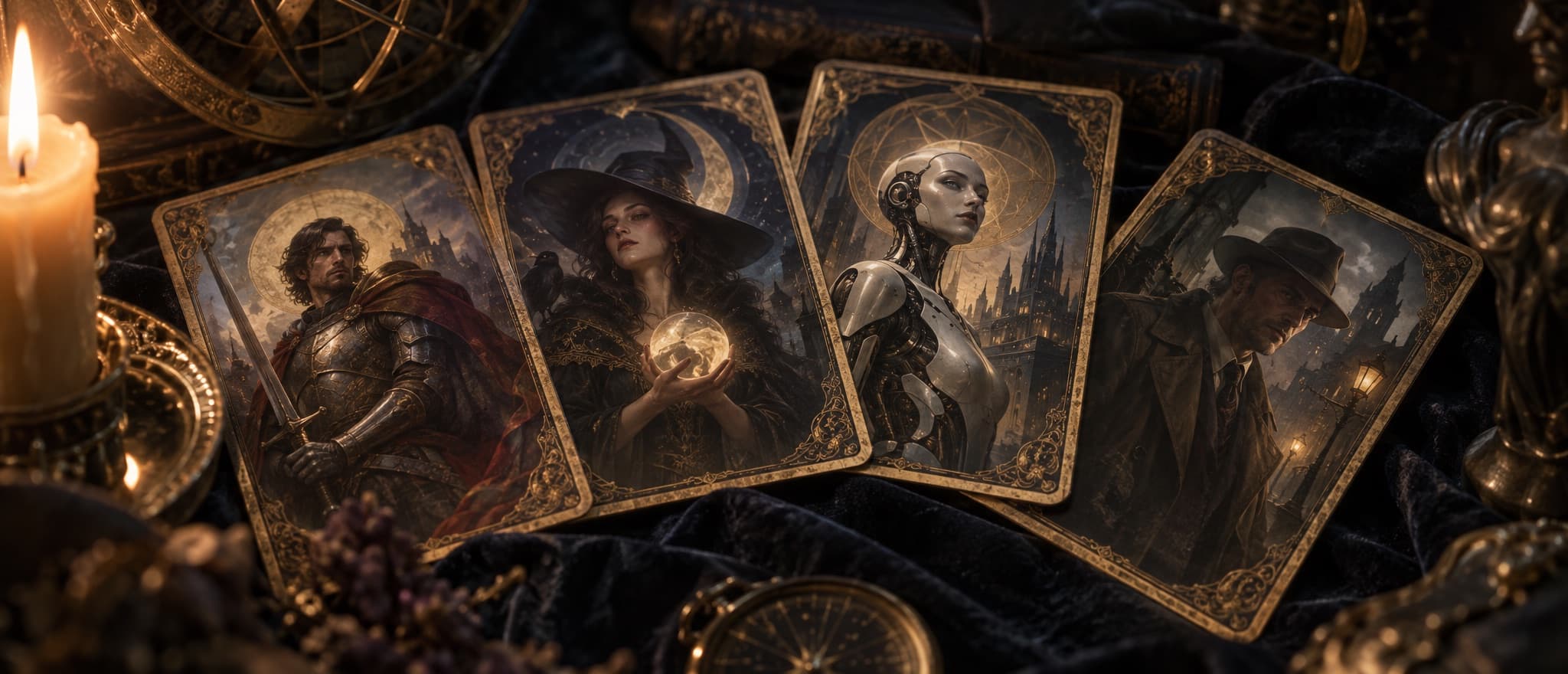
What a character card is
A character card is a small, portable definition of an AI roleplay character. It holds who the character is, the situation you meet them in, how they talk, and the first thing they say. Apps such as SillyTavern, RisuAI, and Agnai read a card and turn its fields into the prompt the AI sees, so the same character can move between apps and between AI models.
Most cards are shared as PNG images. The picture is the character’s portrait, and the definition rides inside the file as hidden text. Download the image and you have the whole character; post it on a card site such as Chub and anyone can import it.
The format is an open community standard called the Tavern character card, named after TavernAI, the app SillyTavern grew out of. It has three versions, V1, V2, and V3, and a good importer reads all of them. Character.AI is the notable exception: it doesn’t use cards and has no way to export a character.
V1, V2, and V3: what each version added
Each version builds on the last, and newer apps still read older cards.
| Version | How to recognize it | What it added |
|---|---|---|
| V1 | Six flat fields and no version marker | name, description, personality, scenario, first_mes, and mes_example |
| V2 | spec set to “chara_card_v2”, with the fields inside “data” | creator_notes, system_prompt, post_history_instructions, alternate_greetings, character_book, tags, creator, character_version, and extensions |
| V3 | spec set to “chara_card_v3” | nickname, assets, group_only_greetings, creator_notes_multilingual, source, creation and modification dates, the CHARX package, and lorebook additions such as use_regex and decorators |
V2 was finalized in May 2023 and introduced the data wrapper and the embedded lorebook. V3, published by kwaroran, keeps every V2 field and adds the extras multimedia characters need. Both specs are public: Character Card V2 and Character Card V3.
Every field, and how LoreWeaver uses it
Field names are written as they appear in the file. The middle column follows the specs; the last column is what happens when you import the card into LoreWeaver.
| Field | What it holds | In LoreWeaver |
|---|---|---|
| name | The character’s name, which fills {{char}} | The character world’s name, unless a V3 nickname is set |
| description | Looks, history, manner, and voice: the core definition | The start of the world’s premise |
| personality | A short summary of temperament | Added to the premise |
| scenario | The situation at the start of the chat | Added to the premise |
| first_mes | The greeting that opens every chat | The first opening |
| alternate_greetings | Extra greetings, offered as swipes on the first message | More openings, up to 10 in all |
| mes_example | Sample exchanges, each started by <START> | Kept in the style rules as a guide to the voice |
| system_prompt | Instructions that replace the app’s main prompt | Kept in the style rules |
| post_history_instructions | Instructions placed after the chat history | Kept in the style rules |
| character_book | A lorebook that travels with the character | Lore cards in the world |
| creator_notes | Notes for people, never meant for the AI | Shown in the card viewer and left out of prompts |
| tags | Labels for browsing and search | Not used in prompts |
| creator, character_version | Credit and version | Recorded with the import |
| extensions | App-specific extras | Ignored |
V3 adds a few more. nickname replaces the name wherever {{char}} appears. assets lists images and other files, and its main icon becomes the portrait; LoreWeaver never fetches remote asset links. group_only_greetings are greetings for group chats, which LoreWeaver skips because each story is one player with one storyteller.
Where the data hides: PNG chunks, JSON, and CHARX
A PNG file is a series of chunks: the image data, plus optional text chunks that each hold a keyword and a value. A character card uses one of those text chunks to carry the card.
- V1 and V2 cards store the card in a tEXt chunk with the keyword “chara”. The value is the card’s JSON, encoded in base64.
- V3 cards use a tEXt chunk named “ccv3”, also base64-encoded JSON. A V3 card may also keep a V2 copy in “chara” so older apps can still read it; when both are present, apps should use “ccv3”, and LoreWeaver does.
- JSON cards are the same object as a plain .json file, without a portrait.
- CHARX files (.charx, from V3) are zip archives with the card in a file named card.json at the root, plus assets such as portraits, backgrounds, and expressions. Inside the card, embedded assets are addressed with “embeded://” links; the spec spells it with one d.
Because the card lives in metadata, it is fragile. Re-saving a card in an image editor, converting it to JPEG or WebP, or uploading it somewhere that compresses images can strip the chunk and leave a plain picture. If an import finds no character, go back to the original PNG or ask for the JSON.
The hidden text also means a portrait carries its full definition wherever it goes. When LoreWeaver uses a card’s portrait as a cover, it removes the text chunks first, so the definition and lorebook never travel with a public image. Card files up to 25 MB can be imported, and compressed or international text chunks (zTXt and iTXt) are read too.
Macros: {{char}}, {{user}}, and the rest
Macros are placeholders that an app swaps for real values when it builds the prompt, so one card works for every player.
| Macro | Meaning | In LoreWeaver |
|---|---|---|
| {{char}} | The character’s name, or the V3 nickname | Replaced with the character’s name |
| {{user}} | The player’s name or persona | Replaced with your character’s name in each session |
| <BOT>, <CHAR>, <USER> | Older spellings of the same placeholders | Converted to {{char}} and {{user}} |
| {{original}} | Inside system_prompt, the app’s own prompt | Removed |
| {{// note}}, {{comment: note}}, {{hidden_key: key}} | Notes for card authors that never reach the AI | Removed |
| {{random:a,b}}, {{pick:a,b}}, {{roll:6}}, {{reverse:text}} | Random picks, dice, and reversed text, from V3 | Not evaluated, so rewrite them before importing |
In greetings and example dialogue, macros keep a card from assuming anyone’s name: “{{char}} looks up as {{user}} comes in” reads correctly for every player.
How to write a character card that plays well
The best cards are short, specific, and written for the scenes they will produce. A practical order of work:
- Start with a want and a contradiction. “A retired duelist who wants a quiet life and keeps taking one last job” gives every scene a pull in two directions.
- Write the description for the page, not a census. Voice, habits, what they notice first, how they treat strangers. Height and birthday matter less than how they argue.
- Make the scenario the present moment. Where are they, what just happened, and why does {{user}} matter right now? Backstory belongs in the description or a lorebook entry.
- Write a first message that sets a scene and stops. Describe the place, give the character an action and a line, and end where {{user}} can answer. Never act or speak for {{user}}, and keep it about as long as you want replies to be, because the AI mirrors it.
- Use alternate greetings as different doors. A first meeting, a reunion years later, a scene in the middle of trouble.
- Show the voice in example dialogue. Two or three short exchanges teach a voice faster than ten adjectives.
- Move the supporting cast into the lorebook. Rivals, family, a hometown, a cursed sword: entries with clear keys appear only when they come up, which keeps the permanent definition lean. Lorebooks explained covers how to key them.
- Put notes for humans in creator_notes. Content notes, recommended settings, credits, and version history belong there, since the AI never sees them.
A note on formats. Some cards use compact bracket styles such as W++ or PList (“[Sela: proud, quick-tempered, loyal to a fault]”) to save tokens. They work, but they flatten nuance, and a tight paragraph usually plays better. Whatever you choose, keep the always-present fields lean, because every token there is spent on every reply.
A compact example:
- name: Sela Varn
- description: A retired duelist who runs a tea shop in the river quarter. Speaks softly, notices hands before faces, and hates being thanked. Still carries the rapier she swore she sold.
- scenario: Rain, closing time. A stranger has just walked in bleeding, and the city watch is two streets away.
- first_mes: Sela doesn’t look up from the till. “We’re closed.” Then she sees the blood on the door handle and sighs. “Sit. Don’t drip on the rug.”
Then test it. Play twenty replies, regenerate a few, try every greeting, and look for the places where the character drifts. Fix the field that caused the drift, not the reply.
How to import a character card into LoreWeaver
- Get the file. Export the character from SillyTavern or download the card from a card site, as a PNG, JSON, or CHARX file.
- Look inside if you like. The free character card viewer shows every field, greeting, and lorebook entry, and the file never leaves your browser.
- Drop it in. Use the import page, or choose Import in My Stuff. If you’re signed out, the card waits while you create a free account.
- Meet your character world. The portrait becomes the cover; the description, personality, and scenario become the premise; the greetings become openings; the example dialogue and instructions go into the style rules; and the lorebook becomes lore cards.
- Start a session. Pick an opening, choose your persona in the Author drawer, and play.
To add a character to a world you already have, import the card from that world’s Lore tab instead. The character arrives as a lore card with its portrait, followed by its lorebook entries.
A few things don’t carry over, and it helps to know them in advance:
- Regular-expression keys in a lorebook won’t fire, because LoreWeaver matches whole words and names. The entry is still found by its title and any plain keys.
- Secondary keys, insertion order, depth, and other app-specific lorebook settings aren’t imported, and decorators such as @@depth are removed from entry text.
- Unsupported macros such as {{random}} stay as plain text.
- Very large lorebooks are capped at 1,000 entries per card.
Importing is free on every plan. Characters stay private in your account, and if you later publish one, LoreWeaver asks you to confirm you made it or have the creator’s permission. Coming from Character.AI, which has no export? Recreate the character from its description and greeting instead. Switching from another card app? See how LoreWeaver compares with SillyTavern, Chub, and Janitor AI.
Read any card privately with the card viewer
The character card viewer is a free tool for looking inside a card before you trust it. Drop in a PNG, JSON, or CHARX file and it shows the description, personality, scenario, first message and every alternate greeting, example dialogue, creator notes, system prompt, post-history instructions, and the full lorebook. The file is read in your browser, and nothing is uploaded.
It’s worth a look before you import a card from a stranger. Hidden instructions live in the system prompt and post-history fields, and the viewer shows exactly what a card will tell the AI.