Tutorials
LoreWeaver tutorials in 21 short videos.
The course starts at your first reply and ends with a world published on the Hub. Each lesson shows one feature on screen, start to finish, in about a minute. Watch in order, or jump to the one you need.
- Lessons
- 21 in 6 parts
- Running time
- 26 min
- Recorded on
- Desktop and phone
 Up next · Lesson 01Your first story1:17
Contents
Six parts, in the order you’ll need them
Part I
Start playing
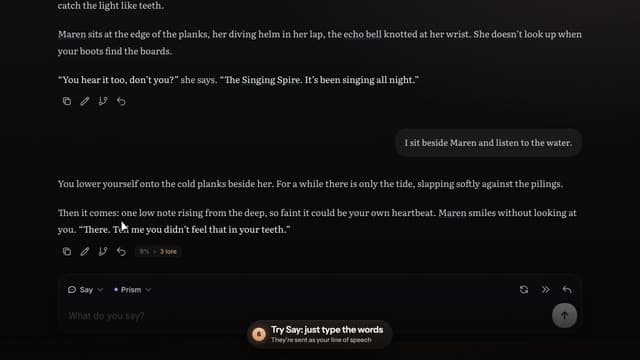
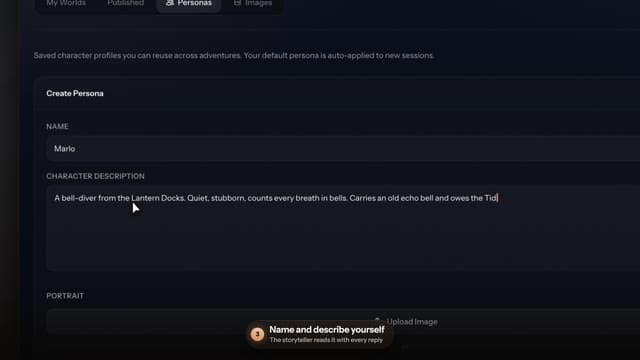
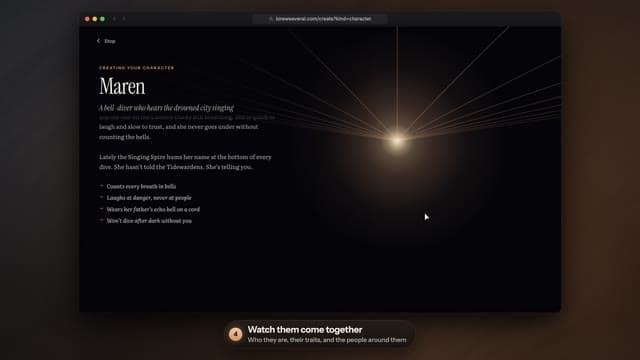
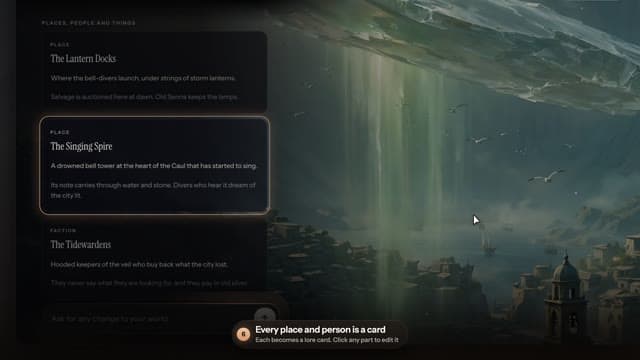
Play a story, tell it who you are, and make characters and worlds from a sentence.
Part II
Keep the story straight
Lore cards, memory, and the ways back when a turn goes wrong.
 05Lore cards, explainedTeach the story your world: people, places and things it should never forget.
 06Did the AI use my lore?See which lore cards went into a reply, and fix one that didn’t.
 07Memory and the recapHow the story remembers, and how you steer what it keeps.
 08Rewind, branch, try againTake back a turn, try a new path, keep every version.
Part III
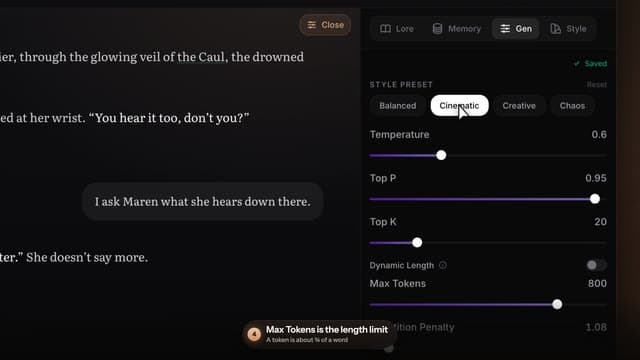
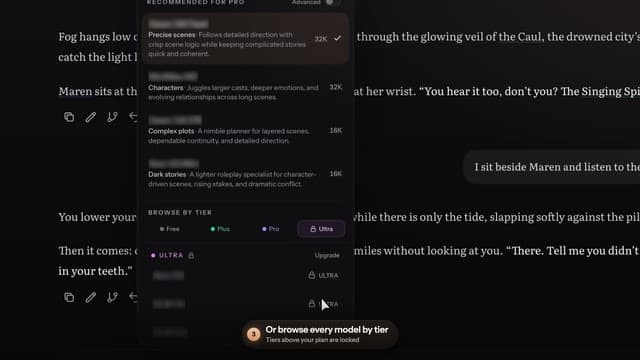
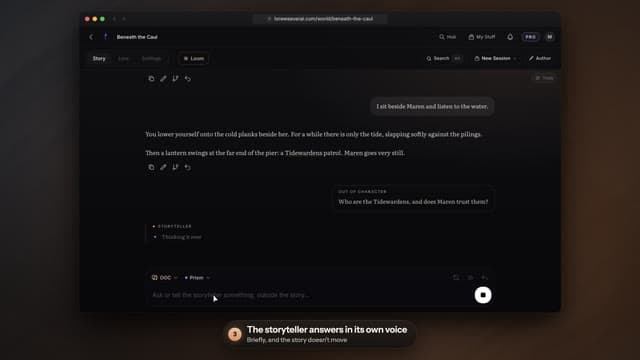
Shape the replies
How long the storyteller writes, which model writes, and how to step out of the story.
Part IV
Voices and pictures
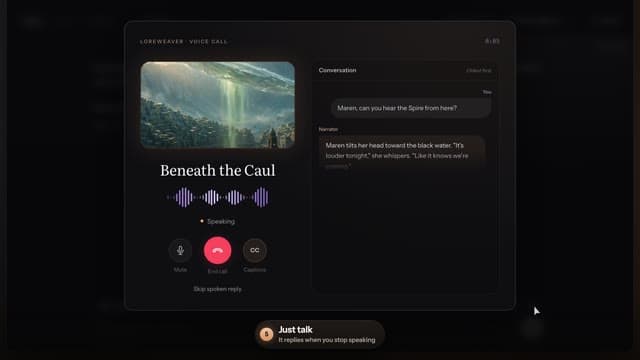
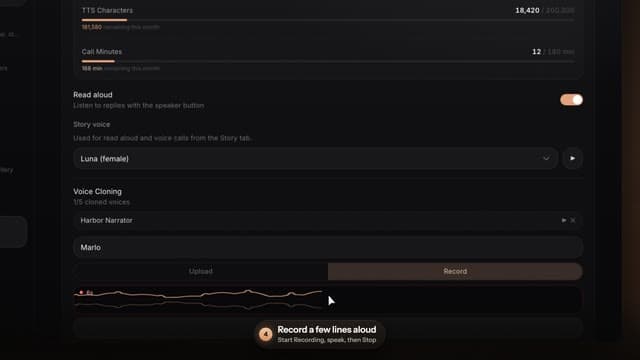
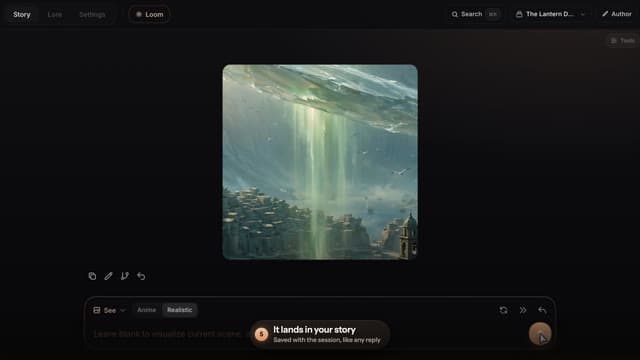
Call your character, give the story a cloned voice, and picture the scene.
Part V
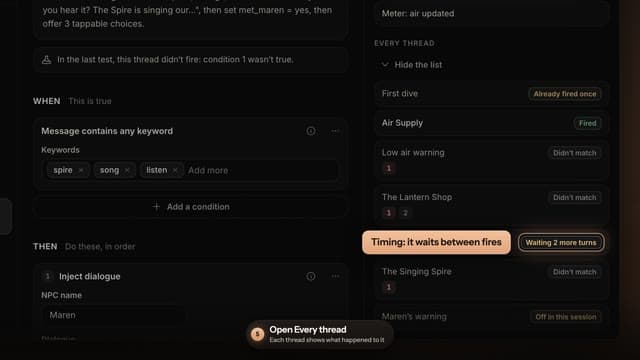
The Loom
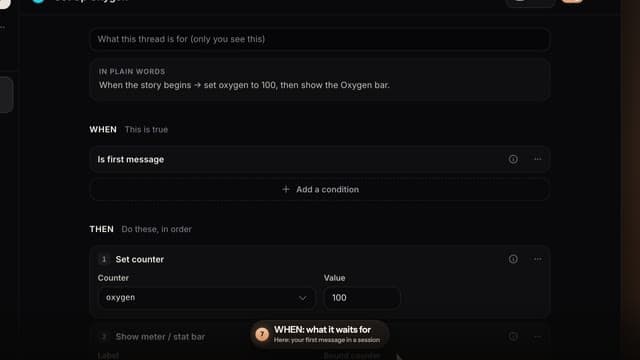
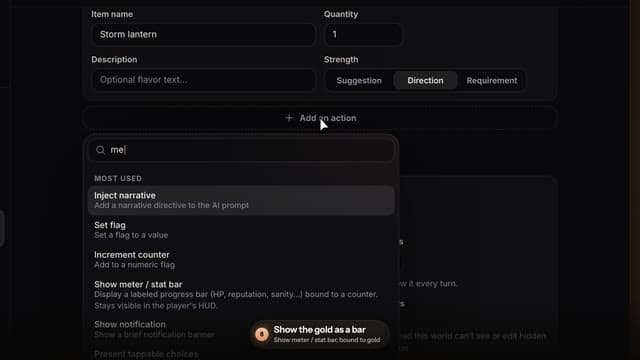
Rules that react to your story, from a ready-made template to a working shop.
Part VI
Grow and share
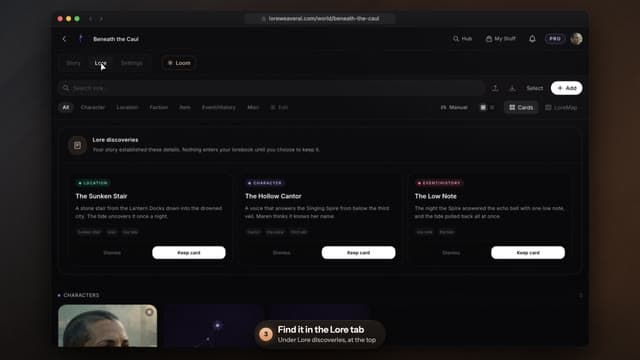
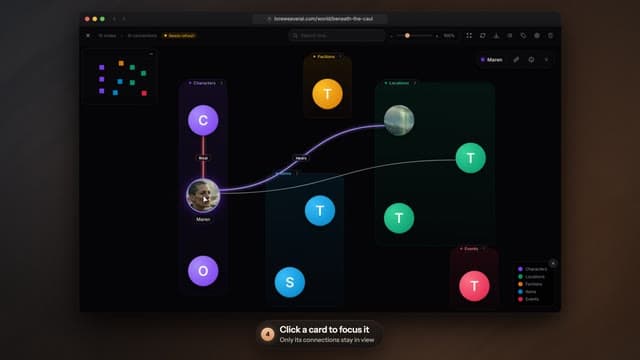
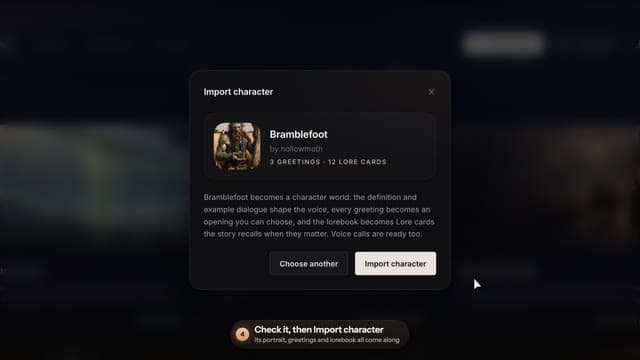
Lore that suggests itself, the LoreMap, imports from other apps, and publishing.
Questions
Before you start
- Do I need an account to watch?
- No. Every lesson plays here without signing in. To try what you watched, open any world on the Hub: you get 20 replies as a guest before you need a free account.
- Do the features in these videos cost extra?
- Almost everything here works on the Free plan. Voice cloning and scene pictures need Pro or higher, and voice calls use monthly minutes that every plan includes. Lesson 10 shows how premium replies work on each plan, and Plans has the details.
- Why does the video look different on my phone?
- Each lesson was recorded twice, once in a desktop browser and once on a phone, because the buttons sit in different places. You get the recording that matches your screen, and the Desktop and Phone switch on every lesson swaps between them.
- Where can I read about a feature instead?
- The feature guide covers every feature in writing: where to find it, how it works, and which plan it needs. Each lesson links to the entries it shows.
The quickest way to learn it is to play a world and try each lesson as you go.
Open the Hub